Hotel management
Pre-arrival email automation for hotels
Pre-arrival email offers an opportunity to upsell, reduce no-shows and improve the guest experience. Here is how to set up automation that delivers results.
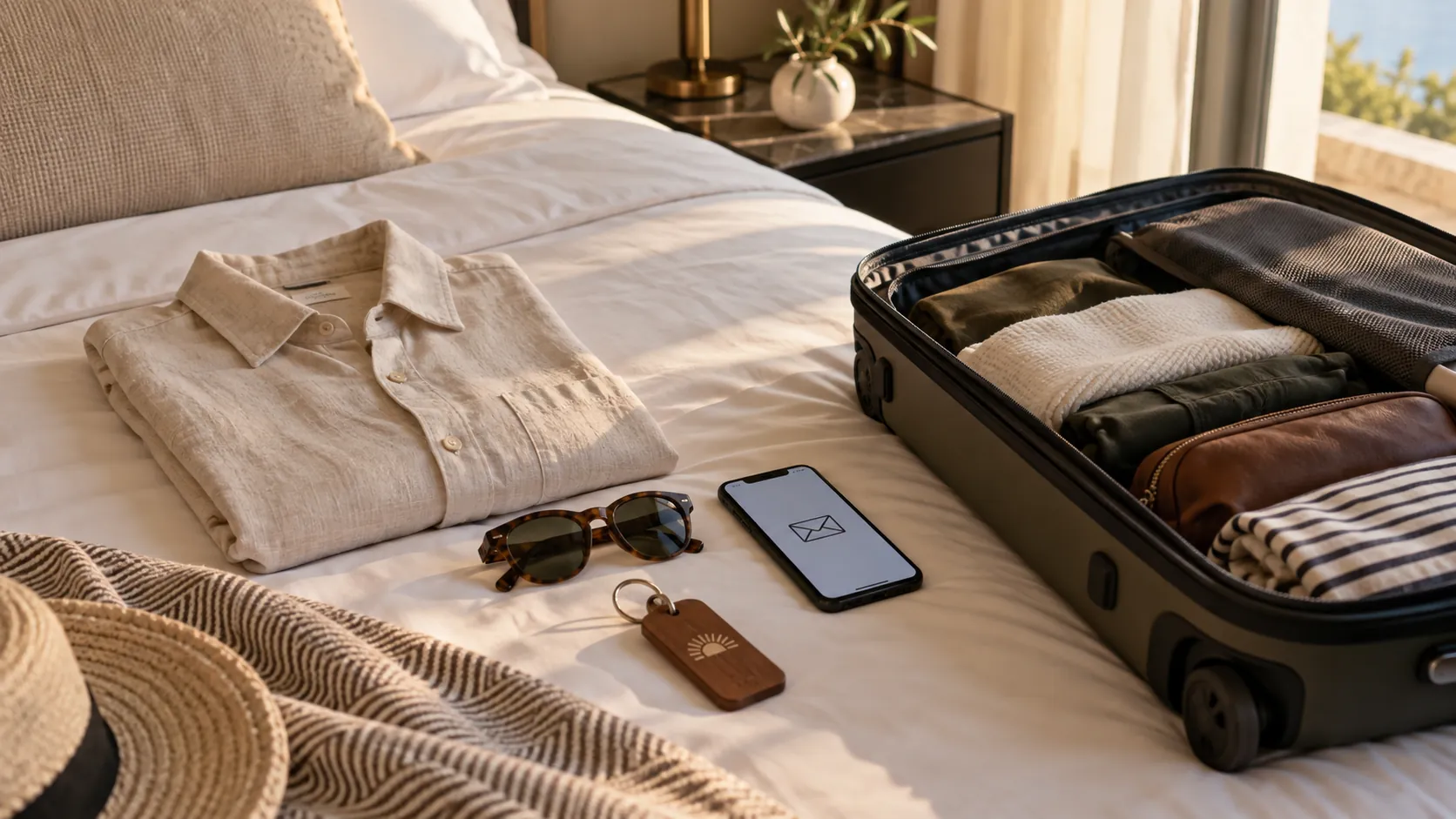
AI illustration
A booking confirmation is the minimum. The hotel that sends only "Your booking is confirmed" misses the opportunity to upsell, reduce no-shows and set the tone of your stay. Pre-arrival email automation turns an operational obligation into a tool for revenue and guest experience if set up correctly.
Why pre-arrival email affects revenue
A guest who has booked a room but has not yet stayed is open to additional services. At this time, the hotel can offer:
- room upgrades
- spa treatments
- dinner at the restaurant
- transfer from the airport
- late checkout
- bicycle or beach equipment hire
Earlier information can make planning easier for the guest. Whether it will lead to a purchase depends on the offer, price and needs of the guest.
Suggested email sequence
Email 1: Reservation confirmation (immediately)
Contents:
- confirmation of date, room type, prices
- booking reference
- cancellation policy
- reception contact details
- link to the web with information about the hotel
The goal: trust and clarity. No upsell - the guest has just booked.
Email 2: Pre-arrival (3-5 days before)
Contents:
- a welcome and anticipation of the stay
- practical information (address, parking, check-in time)
- upsell offers (spa, dinner, transfer)
- local recommendations (beaches, restaurants, activities)
- an option to submit special requests
Goal: upsell + reduce no-show + better experience.
Email 3: Reminder (1 day before)
Contents:
- a brief arrival reminder
- check-in procedure (self check-in, reception)
- contact details for urgent changes
- restaurant/spa opening hours if relevant
Goal: operational reassurance and fewer no-shows.
Content that guests really read
Practical information
Address with a link to Google Maps, information about parking, public transport, check-in time. This reduces calls to reception and guest frustration.
Personalization
"Welcome, Anna" instead of "Dear guests". Mention the room type and dates. Use only the correct data needed for the relevant message.
Visual identity
Emails should look like the hotel, using the same colours, fonts and photography as its website. Generic templates without branding reduce trust.
Clear CTAs
Each upsell should have one clear button: "Book a spa treatment", "Add a transfer", "Upgrade a room". Not six links in one email.
Upsell that works
| Service | Suggested test time | What to check |
|---|---|---|
| Transfer | 5-7 days before | Availability and arrival confirmation |
| Spa treatment | 3-5 days before | Available appointments |
| Dinner at the restaurant | 3 days before | Capacity and conditions |
| Room upgrade | After booking | Availability and supplement |
| Late checkout | 1 day before | Operational feasibility |
The schedule is a suggestion - track your own confirmed purchases through management reporting.
Technical setup
Integration with PMS
Email automation should pull data from PMS or booking engine:
- guest name
- stay dates
- room type
- e-mail address
- language (for segmentation)
Manual sending is not sustainable or scalable.
Segmentation
Different emails for different segments:
- families with children → activities, a cot
- couples → romantic packages, spa
- business guests → fast check-in, Wi-Fi, workspace
- international guests → transfers and local information in their language
Measurement
Track: open rate, click rate, upsell conversion, no-show rate before and after implementation. Compare with guests who did not receive a pre-arrival email (control group).
Frequent mistakes
- Too many emails - avoid repetition, follow complaints and message relevance
- Generic content - same email for all guests regardless of booking type
- No mobile optimization - check readability and buttons on your mobile
- Upsell without a clear price - guests do not click if they don’t know how much it costs
- Unclear message type - separate operational stay information from promotional messages and check their delivery rules
Connection with the offer and booking
Pre-arrival upsell only works if the hotel has a structured offer. Packages and rate plans defined in PMS (hotel offer) should also be available for pre-arrival sale.
Booking engine and web (hotel website and booking UX) should reflect the same services that email offers - otherwise the guest sees a discrepancy.
Conclusion
Pre-arrival email automation is one of the most cost-effective hotel marketing channels: low cost, high personalisation and measurable results. The hotel that implements it reduces the no-show, increases the average value of the stay and lays the foundation for a positive review.
To set up email automation and analyze guest experience, request hotel audit.
Related: case study Meneghetti Wine Hotel & Winery. Campaigns, the booking engine and direct booking results, June 2026 vs June 2025, source GA4.
Frequently asked questions
How many days before arrival should a pre-arrival email be sent?
Adapt timing to guests' planning horizon and operational needs. The sequence in this article is a starting proposal for testing, not a proven optimum for every market.
Can a pre-arrival email reduce no-shows?
It can help guests clarify arrival plans and changes, but we cannot promise a percentage reduction in no-shows. Assess the effect using your own comparable data.
Nikton Hospitality. A digital marketing agency for hotels.
About Nikton Hospitality and how we workRelated articles

Hotel management
Hotel offers: packages and rate plans that sell
Rate plans in PMS have no value until the guest can understand the difference and book them online. Here's how to structure an offer that's actually being sold.

Hotel management
KPI report for hotel management: marketing and revenue
Management does not need 40 pages of data. It needs 8-12 KPIs connecting marketing, revenue and operations. Here are the metrics to include and how to interpret them.